
Smart Desktop Support: Delivering Faster, More Reliable IT Services
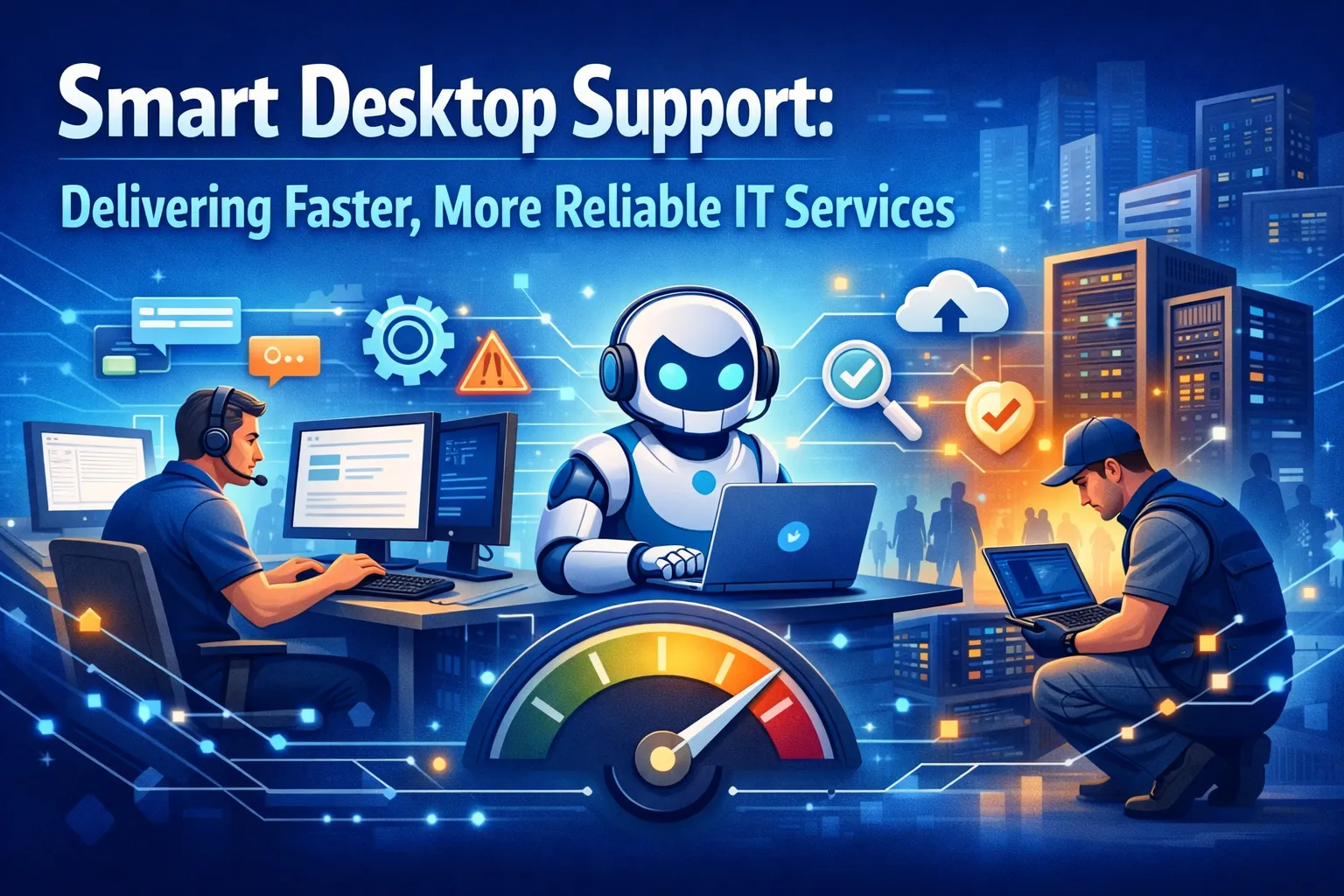
In today’s fast-paced business environment, desktop support isn’t just about fixing computers—it’s about keeping your entire workforce productive, secure, and empowered to do their best work. Traditional reactive IT support models, where employees wait hours or days for help with technical issues, simply don’t cut it anymore. Modern businesses need smart desktop support: proactive, efficient, and designed to minimize downtime while maximizing productivity.
Smart desktop support combines advanced monitoring tools, automation, remote capabilities, and strategic planning to deliver IT services that are both faster and more reliable than ever before. This approach transforms IT from a cost center into a strategic asset that drives business growth and employee satisfaction.
What Makes Desktop Support “Smart”?
Smart desktop support goes beyond the traditional break-fix model. Instead of waiting for problems to occur and then scrambling to resolve them, smart support uses technology and best practices to predict, prevent, and rapidly resolve issues before they impact your business operations.
Core Components of Smart Support
The foundation of smart desktop support includes several key elements. Proactive monitoring identifies potential problems before they cause system failures. Remote management capabilities allow technicians to resolve most issues without on-site visits. Automated maintenance routines keep systems running optimally. A comprehensive knowledge base enables both IT staff and end-users to find solutions quickly.
This intelligent approach means fewer emergency calls, less downtime, and a more predictable IT environment where employees can focus on their actual work rather than wrestling with technology problems.
Proactive Monitoring: Your First Line of Defense
One of the most significant advantages of smart desktop support is continuous system monitoring. Advanced monitoring tools track everything from hardware health and software performance to security threats and storage capacity across your entire desktop environment.
How Early Detection Saves Your Business
When monitoring detects an issue whether it’s a hard drive showing early signs of failure, memory usage approaching critical levels, or unusual network activity that could indicate a security threat—IT teams receive immediate alerts. This early warning system allows technicians to address problems during scheduled maintenance windows rather than dealing with emergency outages during business hours.
Proactive monitoring also provides valuable data for capacity planning and technology refresh cycles. By tracking performance trends over time, IT teams can identify when systems need upgrades or replacements before they become bottlenecks.
Remote Desktop Management: Speed Meets Convenience
Remote desktop management capabilities have revolutionized IT support delivery. With the right tools, technicians can access, diagnose, and fix most desktop issues without leaving their workstation—and often without interrupting the end user’s work.
Minutes Instead of Hours
Remote support dramatically reduces resolution times. Instead of scheduling an on-site visit that might take hours or days to arrange, technicians can connect to affected systems within minutes. They can install software updates, adjust configurations, troubleshoot applications, and resolve many hardware issues remotely.
This approach is particularly valuable for businesses with multiple locations or remote workers. Geographic distance no longer means delayed support. Employees at satellite offices or working from home receive the same rapid assistance as those in the main office.
Automation: Working Smarter, Not Harder
Smart desktop support leverages automation to handle routine maintenance tasks that would otherwise consume valuable technician time. Automated processes can deploy software updates, run security scans, clear temporary files, optimize system performance, and execute backup routines across hundreds or thousands of workstations simultaneously.
The Consistency Advantage
Automation ensures consistency—every system receives the same level of care and attention according to established best practices. This standardization reduces configuration drift, where individual computers gradually develop unique settings and issues that make them harder to support.
By automating repetitive tasks, IT teams free up time to focus on strategic initiatives. This includes improving infrastructure, implementing new technologies, and providing personalized support for complex user needs that truly require human expertise.
Self-Service Options: Empowering Your Workforce
An effective smart desktop support strategy includes self-service capabilities that empower users to resolve common issues independently. A well-designed IT portal or knowledge base provides step-by-step guides, troubleshooting workflows, and answers to frequently asked questions.
Finding Solutions Without Waiting
Self-service doesn’t replace human support—it complements it by handling routine questions and simple problems. This allows IT staff to focus on more complex issues. Users appreciate the ability to find quick answers without submitting a ticket and waiting for a response, especially for common tasks like password resets, printer setup, or connecting to VPN.
Modern self-service systems can also include AI-powered chatbots. These tools guide users through troubleshooting steps, automatically categorize and route support tickets, and even trigger automated fixes for recognized issues.
Predictive Maintenance: Staying Ahead of Problems
Smart desktop support uses data analytics to identify patterns and predict future issues. By analyzing historical support data, system performance metrics, and industry trends, IT teams can anticipate problems before they occur.
Learning From Experience
If monitoring data shows that a particular hardware model consistently fails after a certain period or that specific software configurations lead to performance issues, IT teams can take action. They can proactively address these situations across their environment rather than dealing with failures one at a time.
Predictive analytics also helps with resource planning. Understanding peak support times, common issue types, and resolution patterns allows organizations to optimize staffing levels and ensure adequate coverage when support demands are highest.
Security Integration: Protection Built In
Modern desktop support must prioritize security without sacrificing usability. Smart desktop support integrates security monitoring and enforcement directly into support workflows, ensuring that every system maintains proper security configurations, up-to-date patches, and active endpoint protection.
Rapid Threat Response
When security issues are detected—whether malware infections, unauthorized software installations, or policy violations—the support system can automatically quarantine affected systems. It alerts security teams and begins remediation processes. This rapid response contains threats before they spread across the network.
Security integration also means that routine support activities follow security best practices. Technicians use multi-factor authentication for remote access. Sessions are logged and monitored. Sensitive data is protected during troubleshooting processes.
User Experience: The Ultimate Success Metric
Ultimately, smart desktop support succeeds or fails based on user experience. The best technical capabilities mean nothing if employees still struggle with technology problems or find the support process frustrating and time-consuming.
What Users Actually Want
Smart support systems prioritize user experience through several key features. These include multiple channels for requesting help, clear communication about issue status and resolution timelines, minimal disruption to workflows during support activities, and follow-up to ensure problems are fully resolved.
When employees trust that IT support will respond quickly and effectively, they’re more likely to report issues early. This prevents small problems from becoming major disruptions.
The Business Impact: Real Results That Matter
Investing in smart desktop support delivers measurable business benefits that extend far beyond the IT department. Reduced downtime means employees remain productive and revenue-generating activities continue uninterrupted. Faster issue resolution means less frustration and higher employee satisfaction.
Cost Savings and Competitive Advantage
Proactive maintenance reduces emergency support costs and extends the lifespan of technology investments. Additionally, reliable IT support enables business agility. When organizations trust their technology infrastructure, they can more confidently adopt new tools, expand operations, and pursue growth opportunities without fear that IT issues will derail important initiatives.
Implementation: Getting Started With Smart Support
Transitioning to a smart desktop support model requires careful planning and the right technology foundation. Organizations should start by assessing their current support capabilities, identifying pain points, and establishing clear metrics for success.
Building Your Foundation
Key success metrics include average resolution time, user satisfaction scores, and system uptime. The next step involves selecting appropriate monitoring and management tools that integrate with existing infrastructure while providing the automation and remote capabilities essential for smart support.
Many organizations partner with managed IT service providers who already have these systems in place. These providers can deliver enterprise-level support without requiring significant capital investment.
Training and Change Management
Training is equally important for successful implementation. IT staff need to understand new tools and workflows. End-users should be educated about self-service options and how to effectively request support when needed. Change management efforts ensure smooth adoption and help realize the full benefits of smart desktop support.
Measuring Success: Tracking What Matters
To ensure your smart desktop support initiative delivers expected results, track key performance indicators. Important metrics include mean time to resolution (how quickly issues are fixed), first-call resolution rate (percentage of problems solved on initial contact), system uptime and availability, user satisfaction scores, and reduction in emergency support incidents.
Using Data to Improve
These metrics provide objective evidence of improvement and help identify areas that need additional attention. Regular reporting keeps stakeholders informed about the value IT support provides. It also justifies continued investment in tools and training that enhance service delivery.
The Future: Where Smart Support Is Heading
Smart desktop support continues to evolve with emerging technologies. Artificial intelligence and machine learning increasingly enable predictive analytics that forecast issues with greater accuracy. Automated remediation resolves common problems without human intervention. Intelligent routing connects users with the most appropriate support resources.
Preparing for Tomorrow
As businesses continue embracing cloud services, remote work, and diverse device ecosystems, smart desktop support will become even more critical. The organizations that invest in these capabilities today will be better positioned to support tomorrow’s workforce and compete in an increasingly digital marketplace.
Frequently Asked Questions
What is the difference between traditional desktop support and smart desktop support?
Traditional desktop support is reactive. Technicians respond to problems after they occur, often requiring on-site visits and extended resolution times. Smart desktop support is proactive, using monitoring, automation, and remote management to prevent issues before they impact users. It resolves problems quickly without on-site visits. Smart support also leverages data analytics to identify patterns and continuously improve service delivery.
How quickly can remote desktop support resolve typical issues?
With remote desktop support, most common issues can be resolved within 15-30 minutes of initial contact. Problems like software configuration errors, application crashes, connectivity issues, and user account problems are typically handled immediately through remote access. More complex issues may require additional time, but remote capabilities still significantly reduce resolution times compared to scheduling on-site visits.
Is remote desktop support secure?
Yes, when implemented properly with enterprise-grade tools and security protocols. Reputable remote support solutions use encrypted connections, multi-factor authentication, session recording, and strict access controls. Technicians only access systems when authorized, and all activities are logged. Connections are automatically terminated after support sessions. These security measures often make remote support more secure than traditional on-site access.
Will smart desktop support work for businesses with remote or hybrid workforces?
Absolutely. Smart desktop support is ideal for distributed workforces because it doesn’t depend on physical proximity. Remote management tools and cloud-based support systems provide consistent service quality regardless of where employees are located. Remote workers receive the same rapid assistance as office-based staff, making smart support essential for modern hybrid work environments.
How does proactive monitoring prevent downtime?
Proactive monitoring continuously tracks system health metrics like hardware status, storage capacity, memory usage, and application performance. When monitoring detects early warning signs—such as a failing hard drive, memory leaks, or performance degradation—IT teams receive alerts. They can address issues during scheduled maintenance windows. This prevents catastrophic failures that would cause unplanned downtime and data loss.
What types of issues can be automated in smart desktop support?
Common automated tasks include software updates and patch deployment, antivirus definition updates, disk cleanup and optimization, backup verification, and security policy enforcement. Automation also handles routine system restarts and performance monitoring. It can manage password resets, software installations from approved catalogs, and initial troubleshooting diagnostics that gather information before technicians intervene.
How does smart desktop support reduce IT costs?
Smart support reduces costs through several mechanisms. Fewer emergency support calls occur through proactive prevention. Lower labor costs result from resolving issues remotely instead of dispatching technicians. Extended hardware lifespan comes from proper maintenance. Reduced downtime costs keep systems operational. Better resource allocation happens by automating routine tasks. The cumulative effect is significantly lower total cost of ownership for desktop infrastructure.
Can smart desktop support integrate with existing IT infrastructure?
Yes, smart desktop support solutions are designed to work with diverse IT environments. Modern support platforms integrate with existing directory services, security tools, backup systems, and management consoles. They can manage Windows, Mac, and Linux systems. They work across on-premises and cloud environments and complement rather than replace existing IT investments.
What size business benefits most from smart desktop support?
Businesses of all sizes benefit from smart desktop support, though the specific advantages vary. Small businesses gain enterprise-level capabilities without hiring large IT teams. Mid-sized companies can scale support efficiently as they grow. Large enterprises manage thousands of endpoints consistently across multiple locations. Even organizations with just 10-20 employees see significant productivity gains and cost savings from proactive, efficient support.
How long does it take to implement smart desktop support?
Implementation timelines vary based on organization size and existing infrastructure. For small businesses working with a managed service provider, basic smart support capabilities can be deployed within 1-2 weeks. Larger organizations with complex environments may need 1-3 months for full implementation. This includes tool deployment, integration, staff training, and process development. Phased rollouts allow organizations to realize benefits incrementally while minimizing disruption.

No comment