
The Rise of AI and Automation in Desktop Support Services
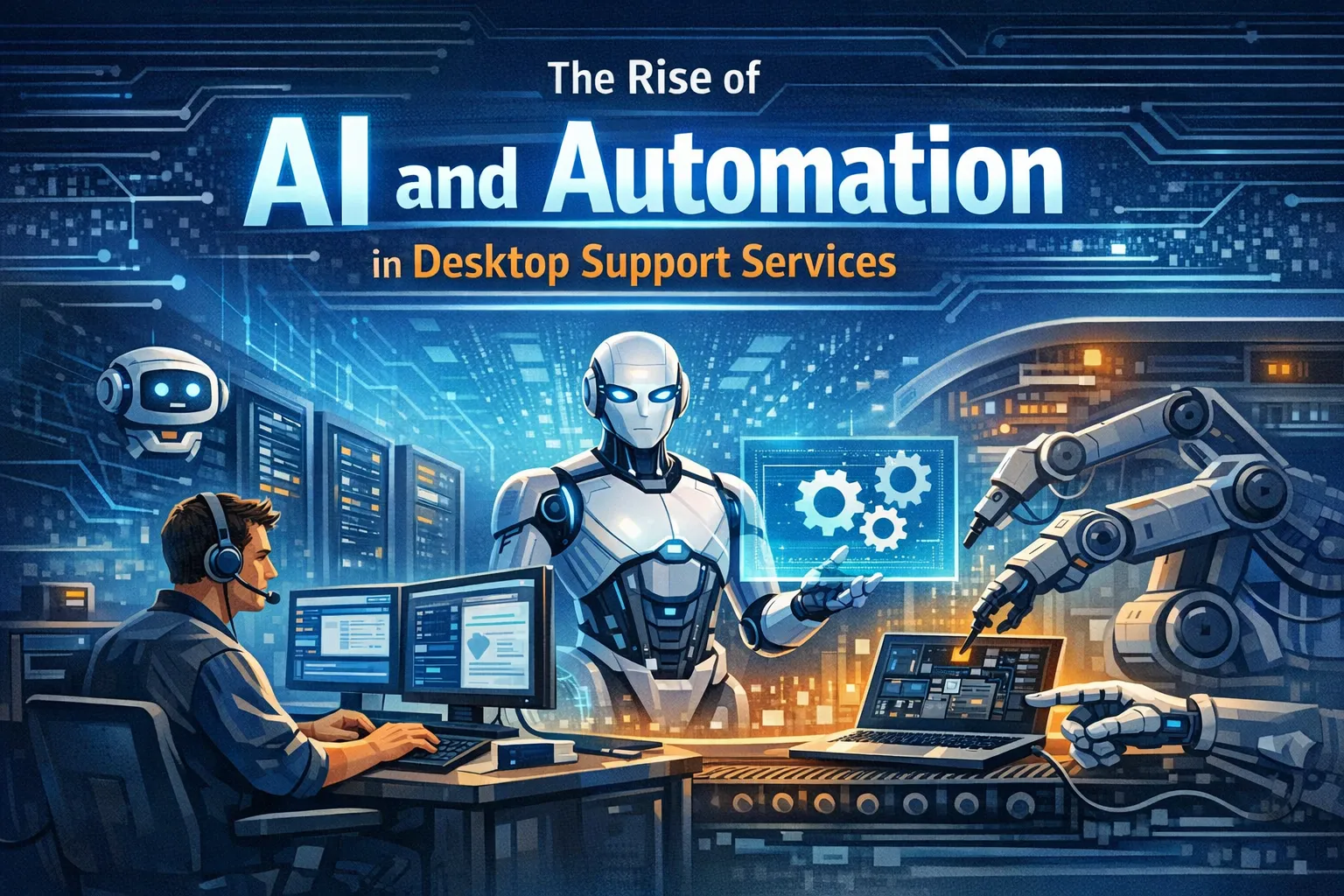
The world of desktop support is changing fast. Not long ago, fixing a technical issue meant waiting hours for a technician. That model was slow, reactive, and costly. Today, AI and automation are rewriting those rules. They deliver faster resolutions and smarter systems for IT teams and end users alike.
This shift is not a distant possibility. It is happening right now, across organizations of every size. Therefore, understanding how AI is reshaping desktop support is no longer optional — it is essential.
Why Traditional Desktop Support Needed to Change
The Break-Fix Problem
Traditional desktop support ran on a break-fix model. A user hit a problem, logged a ticket, and waited for a technician. The process was linear and labor-intensive. Moreover, it depended almost entirely on human availability.
During peak hours, support queues would balloon. As a result, employee productivity would drop sharply. IT teams spent most of their time on routine, repetitive tasks instead of strategic work.
The Volume of Repetitive Tickets
Industry research shows that 40% to 60% of helpdesk tickets are repetitive. Common examples include password resets, software installs, and connectivity issues. These tasks don’t need deep expertise. They need speed and consistency. That is precisely where AI and automation excel.
Intelligent Ticketing and Automated Triage
How AI Classifies Support Requests
One of the biggest early wins for AI in desktop support is intelligent ticketing. Modern AI platforms analyze incoming requests using natural language processing (NLP). They classify each ticket by priority and category. Then they route it to the right resource — all within seconds.
This eliminates manual triage. Furthermore, it reduces misrouting and speeds up resolution significantly.
Auto-Resolving Common Issues
Some platforms go even further. They auto-resolve tickets without any human involvement. For example, if a user requests a password reset, the AI verifies their identity and completes the reset automatically. The ticket closes itself.
Data-Driven Support Insights
Beyond speed, intelligent ticketing unlocks valuable data. AI tracks every interaction and surfaces patterns. IT managers can spot recurring errors tied to a specific software version. They can also identify hardware failures grouped in one department. As a result, teams shift from reactive firefighting to proactive decision-making.
AI-Powered Chatbots and Virtual Agents
The Evolution of the Virtual Support Agent
AI-powered chatbots have come a long way. The clunky bots of the early 2010s frustrated users constantly. Today’s virtual agents are far more capable. They understand conversational language and guide users through complex troubleshooting steps.
In addition, they can answer policy questions, initiate software deployments, and run basic diagnostics — all through a simple chat window.
24/7 Availability Across Time Zones
Virtual agents are available around the clock. This is a major advantage for global teams. A remote employee no longer waits for the IT department to open. The virtual agent resolves their issue immediately, regardless of the time zone.
Impact on First-Contact Resolution
The results are measurable. Organizations using AI virtual agents report higher first-contact resolution rates. More issues get resolved without escalation. Consequently, skilled IT staff can focus on higher-value work — security architecture, infrastructure planning, and technology strategy — instead of basic troubleshooting.
Self-Healing Systems: Proactive IT Support
What Is a Self-Healing Endpoint?
Self-healing technology is one of the most exciting advances in desktop support. These systems don’t just respond to problems — they prevent them. They detect, diagnose, and fix issues before the user notices anything is wrong.
How Self-Healing Monitoring Works
Self-healing platforms monitor endpoint health continuously. They track system performance, application behavior, patch status, and hardware metrics in real time. When an anomaly appears, the system acts immediately. It runs a remediation script, restarts a service, or applies a configuration fix — all without human input.
A Real-World Example
Consider a laptop with a failing storage drive. Early warning signs appear: slight slowdowns and silent read errors in the background. A traditional support model misses this entirely. However, a self-healing system catches the warning signs early. It backs up critical files and flags the device for replacement — before the drive ever fails.
Why This Matters for Business
This shift from reactive to proactive support is transformative. It reduces unplanned downtime, extends hardware life, and lowers the average cost per resolution. Additionally, employees experience fewer disruptions, which directly boosts productivity.
Automation in Software Deployment and Patch Management
The Challenge of Manual Patching
Keeping endpoints updated manually is tedious and error-prone. Across hundreds or thousands of devices, delays are common. Unfortunately, those delays create security vulnerabilities that attackers can exploit.
How Automation Solves the Problem
Automation removes the bottleneck entirely. Modern endpoint management platforms push updates, apply patches, and enforce policies across all devices at once. They operate on a set schedule. Moreover, they include rollback capabilities if something goes wrong during deployment.
AI-Enhanced Patch Risk Analysis
AI adds another layer of intelligence. Before a patch rolls out, AI analyzes risk. It predicts which updates may cause compatibility issues based on existing configurations. Then it sequences rollouts smartly to minimize disruption.
Compliance and Regulatory Benefits
For regulated industries — healthcare, finance, and government — automated patch management is critical. It ensures devices stay compliant at all times. Therefore, organizations are always audit-ready and far less exposed to regulatory penalties.
How AI Is Changing the IT Support Professional’s Role
What Changes — and What Doesn’t
A common concern is whether AI will eliminate IT jobs. The answer is nuanced. AI removes repetitive, low-value tasks. However, it does not remove the need for skilled professionals. Instead, it changes the type of work they do.
The Shift Toward Strategic Work
IT professionals who adapt will thrive. Skills in managing AI tools, reading analytics dashboards, handling complex escalations, and advising on technology strategy are increasingly valuable. Furthermore, these roles are more engaging and better compensated than traditional helpdesk work.
The Importance of Reskilling
Organizations that invest in reskilling their IT teams see the best results. Human judgment remains essential. It is needed for ambiguous situations, user relationships, and decisions that AI systems are not yet equipped to make independently.
Key Challenges of Implementing AI in Desktop Support
Data Quality and Model Accuracy
AI is only as good as the data it learns from. Poorly structured or biased training data leads to unreliable outputs. Therefore, organizations must invest in clean, well-organized data before deploying AI models.
Data Privacy and Compliance
AI systems that monitor endpoints collect significant amounts of behavioral data. As a result, privacy compliance is non-negotiable. Organizations must follow applicable regulations and communicate transparently with employees about data usage.
Legacy System Integration
Many organizations run legacy systems that don’t connect easily with modern AI platforms. Integration planning is essential. Without it, even the best AI tools will underperform. A realistic timeline and a clear architecture plan make all the difference.
The Road Ahead for AI in Desktop Support
Expanding Capabilities
AI’s footprint in desktop support will continue to grow. Capabilities are expanding into predictive hardware lifecycle management. Additionally, AI-assisted security response and advanced NLP interfaces are emerging rapidly.
More Accessible Technology
Furthermore, these tools are becoming more accessible. Cloud-based platforms allow small and mid-sized businesses to benefit from AI support without large upfront investments. Managed service providers (MSPs) are already packaging these capabilities into their service offerings.
A New Standard for IT Operations
Organizations that adopt AI thoughtfully will build faster, smarter, and more resilient IT operations. The rise of AI in desktop support is not a threat to good IT practice. Rather, it is an opportunity to practice it at a higher level.
Final Thoughts
AI and automation are transforming desktop support in every dimension. From intelligent ticketing and virtual agents to self-healing systems and automated patching, the support function is evolving rapidly.
Organizations that move with intention — investing in the right tools and reskilling their teams — will gain a clear competitive advantage. The future of desktop support is proactive, autonomous, and smarter than ever before.
Frequently Asked Questions (FAQs)
Q1. What is AI and automation in desktop support services?
AI and automation in desktop support use technologies like machine learning and NLP to handle IT tasks with little or no human input. This includes auto-resolving tickets, running virtual agents, monitoring endpoints, and automating software updates.
Q2. How does AI improve the speed of desktop support?
AI eliminates manual steps that slow down resolution. Intelligent ticketing routes issues instantly. Virtual agents respond in seconds. Self-healing systems fix problems before a ticket is even submitted. As a result, resolution times drop dramatically.
Q3. Will AI replace IT support technicians?
Not entirely. AI handles repetitive, low-complexity tasks. However, it shifts human focus toward complex troubleshooting, strategy, and AI system management. The role evolves — it doesn’t disappear.
Q4. What is a self-healing IT system?
A self-healing IT system monitors endpoint health continuously. When it detects an issue, it fixes it automatically — without user or technician involvement. This keeps devices running and reduces unplanned downtime significantly.
Q5. Is AI-powered desktop support suitable for small businesses?
Yes. Many cloud-based AI support tools are scalable and affordable. Additionally, managed service providers (MSPs) now offer AI-enhanced support packages. Therefore, small businesses can access these benefits without building in-house AI capabilities.
Q6. What are the biggest challenges of implementing AI in desktop support?
The main challenges are data quality, legacy system integration, privacy compliance, and workforce change management. However, organizations that plan carefully and invest in reskilling tend to overcome these hurdles successfully.
Q7. How does automated patch management reduce security risks?
Automated patching deploys updates consistently and on time. AI also assesses patch risk before rollout and prioritizes critical vulnerabilities. Consequently, the window of exposure for cyberattacks shrinks significantly.
Q8. What role does NLP play in IT support?
NLP allows AI systems to understand how users describe problems in natural language. In desktop support, it powers virtual agents to interpret user intent, classify issues, and respond in a conversational, human-friendly way.





No comment