
Server Support Services in 2026: What Every CTO Must Know
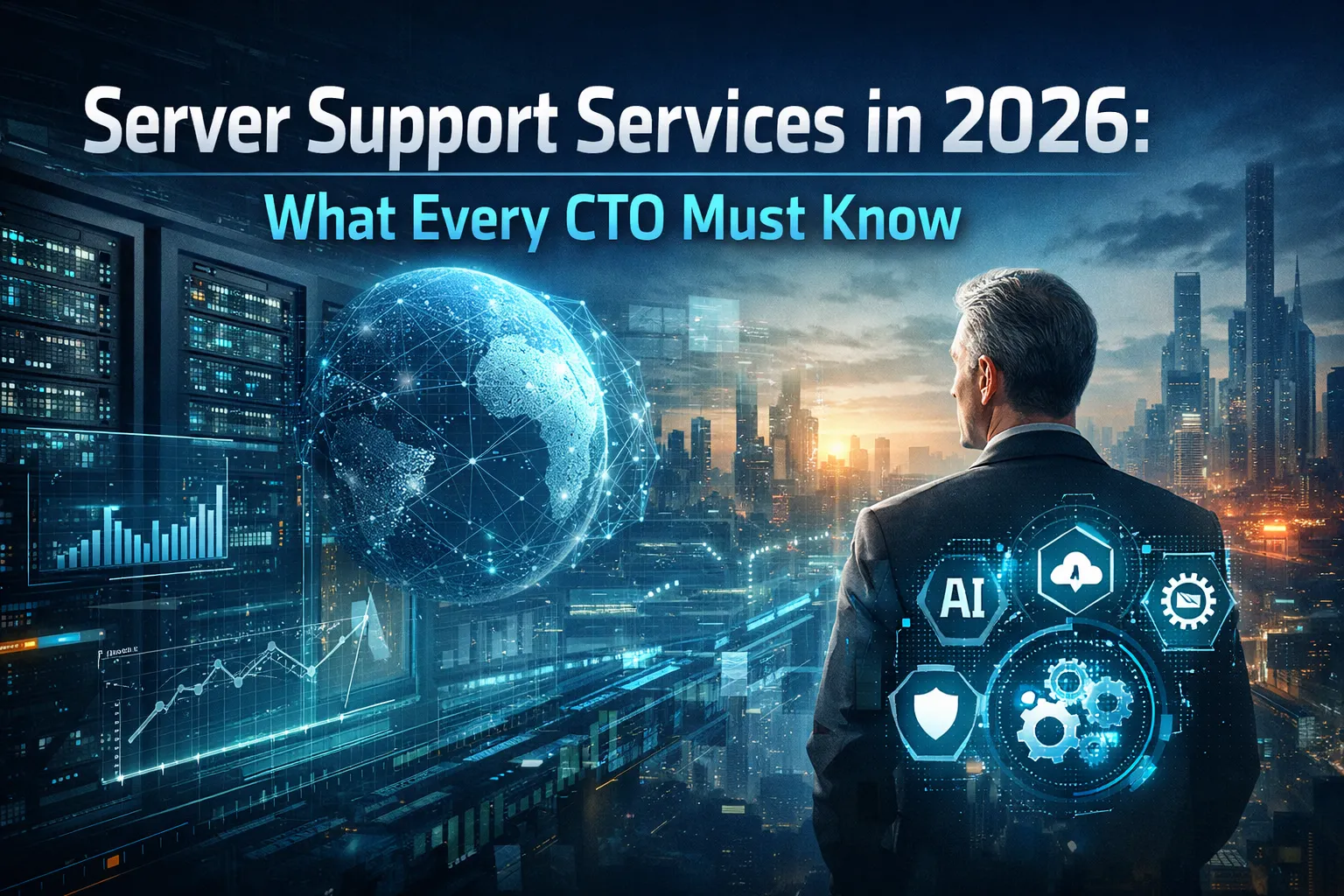
The server infrastructure landscape has transformed dramatically as we enter 2026. CTOs face unprecedented challenges managing hybrid environments, addressing sophisticated security threats, and ensuring optimal performance while controlling costs. Understanding modern server support services isn’t just about keeping systems running—it’s about strategic alignment with business objectives in an increasingly complex technological ecosystem.
The Evolution of Server Support in 2026
Server support has evolved far beyond basic break-fix services. Today’s comprehensive server support encompasses proactive monitoring, predictive maintenance, security hardening, performance optimization, and strategic capacity planning. The integration of artificial intelligence and machine learning into server management platforms has fundamentally changed how organizations approach infrastructure support.
Modern server support services now leverage AI-driven analytics to predict potential failures before they occur. Machine learning algorithms analyze historical performance data, identifying patterns that indicate emerging issues. This predictive approach minimizes downtime and allows IT teams to address problems during planned maintenance windows rather than during critical business operations.
The shift toward hybrid and multi-cloud environments has added layers of complexity to server management. CTOs must now coordinate support across on-premises infrastructure, public cloud instances, private cloud deployments, and edge computing resources. This distributed architecture requires support services that provide unified visibility and management capabilities across all environments.
Critical Components of Modern Server Support
Proactive Monitoring and Management
Comprehensive monitoring forms the foundation of effective server support. Advanced monitoring solutions track hundreds of metrics simultaneously, from CPU utilization and memory consumption to network throughput and storage I/O performance. Modern platforms incorporate intelligent alerting systems that filter noise and escalate only meaningful issues requiring human intervention.
Real-time monitoring enables immediate response to performance degradation or security incidents. Support teams can identify bottlenecks, resource constraints, and configuration issues before they impact end users. This proactive stance dramatically reduces mean time to resolution and improves overall system reliability.
Security and Compliance Management
Server security has become paramount as cyber threats grow more sophisticated. Support services must include continuous vulnerability assessment, patch management, security configuration hardening, and threat detection capabilities. CTOs need partners who understand regulatory compliance requirements and can maintain security postures that satisfy industry-specific standards.
Zero-trust security models have become standard practice for server environments. Support services should implement micro-segmentation, least-privilege access controls, and continuous authentication verification. Regular security audits and penetration testing ensure servers remain resilient against evolving threat vectors.
Performance Optimization
Server performance directly impacts business productivity and customer experience. Support services should include regular performance tuning, capacity planning, and resource optimization. Analyzing application workload patterns allows support teams to right-size server resources, eliminating waste while ensuring adequate capacity during peak demand periods.
Database optimization, application server tuning, and network configuration adjustments all contribute to improved performance. Support teams with deep technical expertise can identify subtle configuration issues that significantly impact overall system efficiency.
Cloud Integration and Hybrid Environment Management
The cloud has fundamentally altered server support requirements. CTOs must navigate complex decisions about workload placement, balancing on-premises infrastructure with public cloud resources. Effective server support services provide expertise across multiple cloud platforms while maintaining consistency in management practices.
Hybrid environments demand sophisticated orchestration capabilities. Support services should facilitate seamless workload migration between on-premises and cloud infrastructure based on cost, performance, and compliance considerations. Automated provisioning and de-provisioning ensure resources align with actual business needs rather than static capacity allocations.
Cloud cost optimization has emerged as a critical support function. Without proper oversight, cloud server expenses can quickly spiral beyond budgeted amounts. Support teams should continuously analyze utilization patterns, identify idle resources, and recommend rightsizing opportunities to control costs while maintaining performance standards.
Disaster Recovery and Business Continuity
Server support services must include comprehensive disaster recovery planning and implementation. CTOs need confidence that critical systems can be restored quickly following any disruption, whether caused by hardware failure, natural disaster, or cyber attack.
Modern disaster recovery strategies leverage cloud infrastructure for cost-effective backup and replication. Support services should include regular testing of recovery procedures, ensuring documented recovery time objectives remain achievable as environments evolve. Automated failover capabilities minimize downtime during incidents.
Business continuity planning extends beyond technical recovery procedures. Support teams should document dependencies, identify single points of failure, and develop comprehensive runbooks for various failure scenarios. Regular disaster recovery drills validate preparedness and identify gaps in recovery procedures.
Automation and Infrastructure as Code
Infrastructure automation has transitioned from competitive advantage to operational necessity. Server support services should embrace infrastructure as code principles, enabling repeatable deployments and consistent configurations across environments. Automation reduces human error, accelerates provisioning, and ensures compliance with established standards.
Configuration management tools maintain desired state across server fleets, automatically correcting drift and preventing security misconfigurations. Support teams should implement continuous integration and continuous deployment pipelines for infrastructure changes, treating server configurations with the same rigor applied to application code.
Automation extends to routine maintenance tasks, patch deployment, and system updates. Automated workflows can execute complex procedures consistently, freeing support personnel to focus on strategic initiatives rather than repetitive manual tasks.
Strategic Capacity Planning
Effective server support includes forward-looking capacity planning aligned with business growth projections. Support teams should analyze historical trends, seasonal patterns, and upcoming initiatives to forecast future resource requirements. This strategic approach prevents both over-provisioning waste and under-provisioning performance problems.
Capacity planning must account for application modernization efforts and digital transformation initiatives. As organizations adopt containerization, microservices architectures, and serverless computing models, resource requirements change dramatically. Support services should provide guidance on infrastructure evolution supporting these technological shifts.
Vendor Management and Technology Lifecycle
CTOs benefit from server support services that manage relationships with hardware vendors, software providers, and cloud platforms. Coordinating warranties, support contracts, and licensing agreements across multiple vendors consumes significant administrative effort. Consolidated support services simplify this complexity through single points of contact for escalations.
Technology lifecycle management ensures servers remain current, supported, and secure throughout their operational lifespan. Support teams should track hardware age, monitor vendor end-of-life announcements, and develop refresh strategies preventing situations where critical systems run on unsupported platforms.
Selecting the Right Server Support Partner
Choosing appropriate server support services requires careful evaluation of technical capabilities, industry experience, and cultural fit. CTOs should assess potential partners across multiple dimensions:
Technical expertise across diverse platforms and technologies ensures support teams can handle complex heterogeneous environments. Look for certifications, training programs, and demonstrated experience with your specific technology stack.
Response time commitments and escalation procedures directly impact business continuity. Understand service level agreements, after-hours support availability, and procedures for critical incidents requiring immediate attention.
Communication practices matter significantly. Regular reporting, transparent issue tracking, and proactive recommendations demonstrate partnership rather than transactional service delivery.
The Future of Server Support Services
Looking ahead, server support will continue evolving alongside technological advancement. Artificial intelligence will assume greater responsibility for routine management tasks, while human expertise focuses on strategic planning and complex problem resolution. Quantum computing, edge computing expansion, and emerging security threats will create new support requirements.
CTOs must partner with support services committed to continuous learning and adaptation. The technology landscape changes rapidly, and yesterday’s best practices quickly become obsolete. Forward-thinking support organizations invest heavily in training, certification, and research ensuring they remain at the forefront of industry developments.
Frequently Asked Questions
What is the difference between server support and managed services?
Server support typically focuses on maintaining and troubleshooting server infrastructure, while managed services encompass broader IT management including networks, security, applications, and strategic planning. Managed services often include server support as one component.
How much does professional server support cost?
Costs vary significantly based on environment complexity, service level requirements, and support scope. Monthly fees typically range from a few hundred dollars for basic monitoring to tens of thousands for comprehensive 24/7 enterprise support with dedicated resources.
Do small businesses need professional server support?
Yes, even small businesses benefit from professional support. Downtime costs money regardless of company size, and security threats target organizations of all scales. Many providers offer tiered support packages accommodating smaller budgets.
How quickly should server support respond to critical issues?
Industry standards typically require response within 15 minutes for critical issues affecting business operations. Resolution times vary by complexity but should align with documented service level agreements.
Can server support services work with cloud infrastructure?
Absolutely. Modern server support services are designed for hybrid environments, providing expertise across on-premises servers, public cloud platforms, private cloud deployments, and edge computing resources.
What credentials should I look for in a server support provider?
Look for vendor-specific certifications (Microsoft, VMware, AWS, Azure), industry certifications (CompTIA Server+, Linux Professional Institute), and security credentials (CISSP, CEH). Experience and client references matter more than certifications alone.



No comment