
Remote Desktop Support: The New Standard for IT Efficiency
Introduction
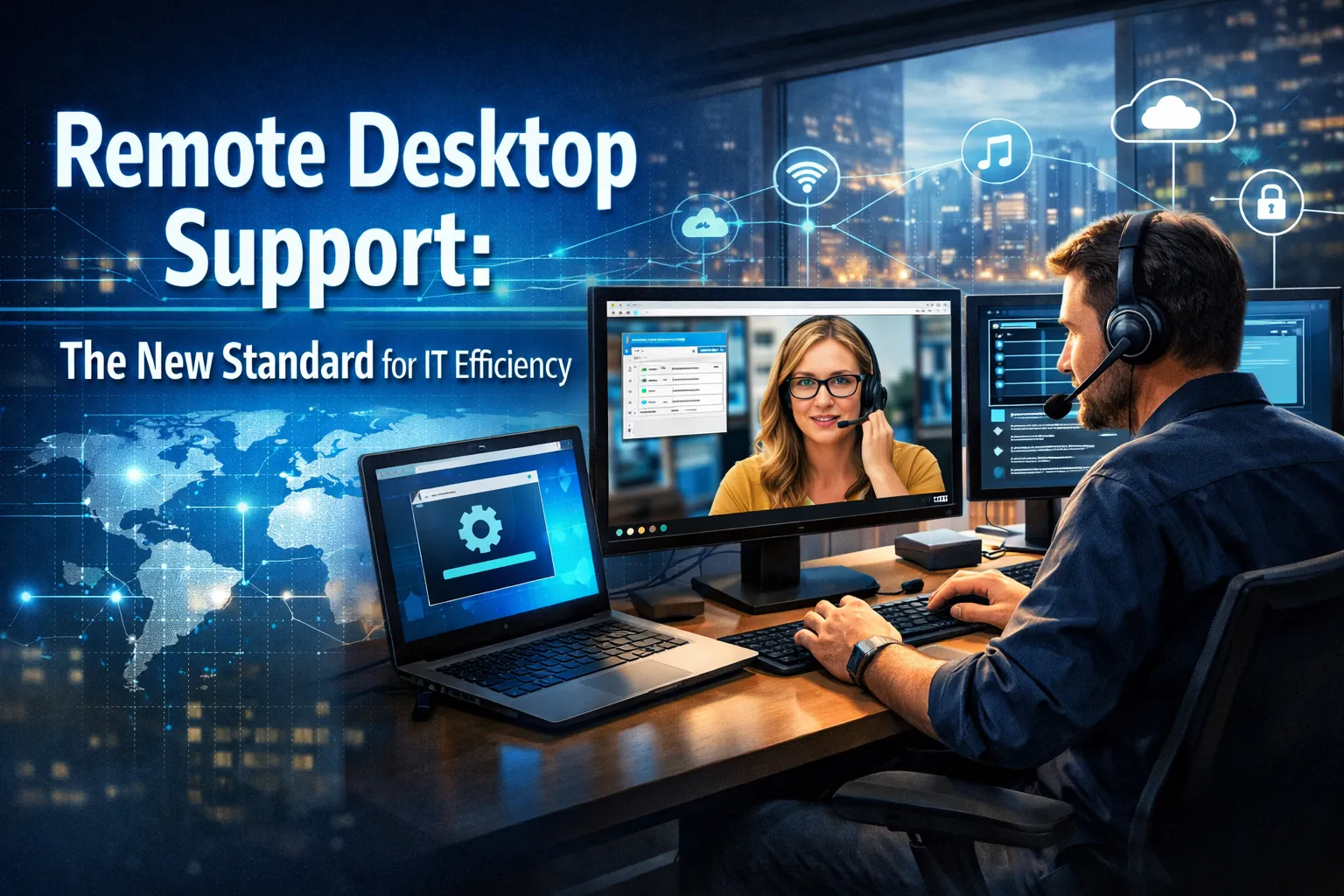
The way businesses manage technology support has fundamentally shifted. What was once considered a temporary solution during uncertain times has evolved into the definitive approach for IT operations across industries. Remote desktop support has emerged as the new standard for IT efficiency, transforming how organizations troubleshoot problems, maintain systems, and keep their workforce productive regardless of location.
The numbers paint a compelling picture of this transformation. The remote desktop software market reached $4.22 billion in 2026 and is projected to grow at an impressive 14.4% compound annual growth rate through 2035. Meanwhile, the broader remote desktop services market is expected to expand from $8.5 billion to $15.3 billion by 2032. These figures reflect more than market momentum; they represent a fundamental restructuring of how businesses think about technology management.
With over 65% of businesses now operating with some form of hybrid or remote work arrangement, location-independent IT support has become essential rather than optional. Organizations that embrace remote desktop support are discovering significant advantages in response times, cost management, and overall operational efficiency. This comprehensive guide explores why remote desktop support has become the gold standard and how businesses can leverage this approach to maximize their technology investments.
Understanding the Shift Toward Remote Desktop Support
The traditional model of IT support required technicians to physically visit workstations, diagnose problems through direct observation, and implement fixes while standing beside frustrated employees. This approach carried inherent limitations in speed, scalability, and cost-effectiveness that modern businesses can no longer afford to accept.
Remote desktop support eliminates these constraints entirely. Technicians can now access, diagnose, and repair systems from anywhere in the world within minutes. This capability removes travel time from the support equation, reduces response delays dramatically, and ensures that whether an employee works from home or the main office, they receive the same high-quality assistance.
The proliferation of cloud applications, mobile devices, and remote access tools has expanded the attack surface and support requirements exponentially. IT professionals must now manage endpoint security across personal and corporate devices, ensure secure remote connections, and maintain visibility into assets they may never physically touch. Remote desktop support provides the framework for addressing these challenges efficiently.
Modern remote desktop tools have evolved far beyond simple screen sharing. Today’s platforms integrate with IT service management systems, customer relationship management software, and leading helpdesk solutions. They offer streamlined workflows that allow technicians to initiate sessions and edit files directly from within other applications, reducing manual steps and saving valuable time.
The Core Benefits of Remote Desktop Support
Organizations implementing remote desktop support consistently report substantial improvements across multiple performance dimensions. Understanding these benefits helps business leaders make informed decisions about their technology support strategies.
Dramatically Faster Resolution Times
Speed represents perhaps the most immediate and visible advantage of remote desktop support. When technical issues arise, every minute of downtime costs businesses money and productivity. Traditional on-site support could leave employees waiting hours or even days for assistance, while remote support delivers help within minutes.
Companies leveraging advanced remote desktop technologies report up to 40% improvement in remote troubleshooting efficiency. This acceleration stems from multiple factors including immediate access to affected systems, elimination of travel time, and the ability to handle multiple support sessions simultaneously.
Remote monitoring capabilities further enhance response speed by detecting most issues automatically. In many cases, technicians begin fixing problems before users even notice them. This proactive approach transforms IT support from a reactive service into a preventive discipline that maintains operational continuity.
Significant Cost Reductions
The financial benefits of remote desktop support extend across multiple categories. Organizations eliminate expenses associated with technician travel, reduce the need for large on-site IT teams, and avoid the overhead costs of maintaining dedicated support infrastructure at every location.
Remote IT support reduces overhead costs associated with in-house technicians by eliminating expenses like travel, office space, and hardware maintenance. The pay-as-you-go model ensures scalability, particularly benefiting small and medium-sized businesses that cannot justify full-time IT staff.
Predictable pricing models offered by most remote support providers help organizations budget effectively. Instead of facing unexpected invoices for emergency service calls or extended troubleshooting sessions, businesses know exactly what they will pay each month. This financial predictability supports better planning and resource allocation.
Round-the-Clock Availability
Business technology operates 24 hours a day, seven days a week. Cloud applications, backup services, remote connections, and user access do not stop when the office closes. Remote desktop support aligns with this reality by providing assistance whenever problems occur.
Unlike traditional IT support limited by business hours, remote desktop support provides perpetual monitoring and swift interventions. Quick response times prove critical since every minute of downtime can cost businesses significantly. Research indicates that 40% of organizations report that downtime reduces customer lifetime value, while 29% lose customers because of technology failures.
Remote IT support teams work across time zones and shifts. If a problem occurs outside normal business hours, someone is always available to help. Some providers even offer full-service monitoring and response during holidays and weekends, ensuring continuous protection for critical business systems.
AI and Automation Transform Remote Support
Artificial intelligence has made significant strides in enhancing remote desktop support capabilities, providing smoother and more intuitive experiences for both technicians and end users. These AI-powered features represent the cutting edge of what remote support can deliver.
AI-powered diagnostics include predictive resource allocation that automatically adjusts bandwidth and resource use based on user activity. This capability improves performance during high-demand tasks like video editing or software development without requiring manual intervention.
Natural language processing has transformed how employees interact with IT support. Chatbots and virtual assistants now handle routine requests instantly, freeing IT teams to focus on complex strategic initiatives. Need to reset a password at 2 AM? AI-powered support handles it immediately without human intervention.
Advanced AI solutions can even learn user workflows, allowing them to automate routine actions and streamline repetitive tasks. These AI-driven improvements reduce the burden on IT support while creating more efficient environments for all workers. By investing in AI-powered remote desktop software, companies enhance productivity, reduce downtime, and make remote work feel as seamless as an in-office experience.
Security Considerations for Remote Desktop Support
As remote support capabilities expand, security becomes increasingly critical. Modern remote desktop solutions must balance accessibility with robust protection for sensitive systems and data.
Implementing zero trust principles at the desktop level represents one of the most critical security strategies. This approach assumes no user or device is inherently trustworthy, requiring continuous verification before granting access to resources. Remote desktop platforms that incorporate these principles provide stronger protection than traditional perimeter-based security models.
Companies are investing in advanced remote desktop software that integrates multi-factor authentication, virtual private networks, and encrypted connections to protect sensitive data. End-to-end encryption ensures that remote sessions remain private even when traveling across public networks.
The global cybersecurity market is projected to reach $345.4 billion by 2026, creating a conducive environment for remote desktop solutions that prioritize security. Organizations selecting remote support platforms should evaluate security features carefully, ensuring they meet or exceed industry standards for data protection and access control.
Scaling Remote Desktop Support for Growth
As businesses expand, their IT support requirements grow correspondingly. Remote desktop support provides the flexibility to adapt to these changes without overextending budgets or overwhelming internal teams.
Whether adding new devices, extending support across regions, or onboarding new employees, remote desktop support scales effortlessly. Cloud-based solutions enable businesses to quickly expand access, add users, or upgrade resources without significant upfront costs. This scalability proves particularly beneficial for growing companies that need to adjust resources to meet evolving demands.
Flexible licensing models allow organizations to grow support coverage alongside their workforce. Powerful administrative tools enable efficient organization of users, groups, and device permissions from centralized consoles. Policy deployment features enforce consistent settings and security policies across all managed devices with ease.
Remote IT providers build teams with diverse expertise across networking, cybersecurity, cloud solutions, and compliance requirements. Organizations gain access to this knowledge without the cost of building extensive capabilities in-house. This approach allows businesses to benefit from enterprise-grade IT support without enterprise-level costs.
Implementing Remote Desktop Support Successfully
Organizations considering remote desktop support should approach implementation strategically to maximize benefits and minimize disruption. Several key factors contribute to successful deployments.
First, evaluate current IT support workflows and identify pain points that remote capabilities could address. Common opportunities include reducing response times, extending support hours, and improving coverage for remote workers. Understanding specific needs helps select appropriate tools and services.
Second, prioritize integration capabilities when selecting remote desktop platforms. The most effective solutions connect seamlessly with existing IT ecosystems, including service management platforms, monitoring tools, and communication systems. These integrations streamline workflows and reduce the friction of adopting new support processes.
Third, establish clear service level agreements that define expected response times, resolution targets, and escalation procedures. These agreements provide accountability and help measure the effectiveness of remote support investments over time.
Finally, invest in training for both IT staff and end users. Technicians need to master new tools and workflows, while employees benefit from understanding how to request and receive remote assistance efficiently. This dual focus ensures smooth adoption and maximum value from remote desktop support capabilities.
The Future of Remote Desktop Support
Looking ahead, remote desktop support will continue evolving as new technologies emerge and workplace models mature. Several trends will shape the future of this essential business function.
Virtual Desktop Infrastructure is becoming a key component of how companies support remote work, secure access, and flexible computing. Over 60% of businesses in developed economies have already adopted cloud-based VDI solutions, reflecting the dominance of this deployment model for operational efficiency and security.
User experience continues improving with faster logins, better multimedia support, and reduced latency. Edge computing is emerging to cut latency in industries like healthcare and manufacturing where real-time responsiveness matters most. These advancements help businesses stay agile and secure in changing work environments.
The integration of Internet of Things devices and specialized equipment extends remote management capabilities beyond traditional desktop computers. Modern platforms support growing numbers of connected devices, future-proofing remote management capabilities for increasingly complex technology environments.
Conclusion
Remote desktop support has definitively established itself as the new standard for IT efficiency. The combination of faster response times, significant cost savings, round-the-clock availability, and advanced AI capabilities creates compelling advantages that organizations cannot ignore.
With hybrid work models firmly established and technology complexity continuing to increase, businesses need support solutions that transcend physical limitations. Remote desktop support delivers exactly this capability, enabling IT teams to maintain productivity and security across distributed workforces.
The organizations that thrive in this environment will be those that embrace remote desktop support strategically, selecting platforms with robust security, seamless integration, and scalable architecture. They will invest in the tools and training necessary to maximize these capabilities while maintaining the human expertise that complex problems still require.
For business leaders evaluating their technology support strategies, the message is clear. Remote desktop support is no longer an alternative approach; it is the foundation upon which modern IT efficiency is built. The question is not whether to adopt this model, but how quickly and effectively organizations can implement it to gain competitive advantage in an increasingly digital business landscape.



No comment