
Remote Desktop Support: Best Practices for a Hybrid Workforce
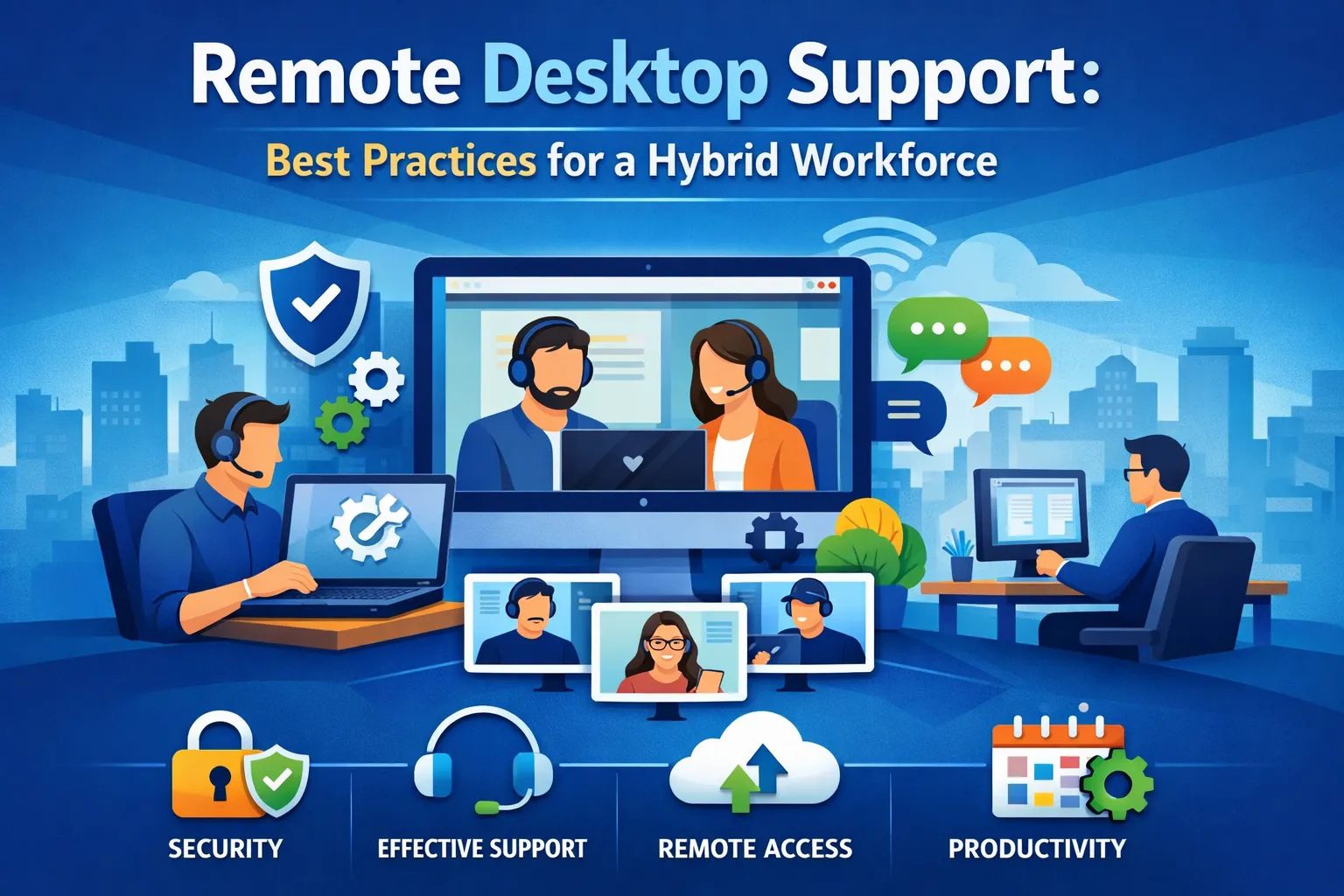
The hybrid workforce revolution has fundamentally transformed how organizations deliver IT support. With employees splitting time between home offices, corporate headquarters, and collaborative workspaces, traditional walk-up IT support models have become obsolete. Remote desktop support has emerged as the critical infrastructure enabling IT teams to maintain productivity, security, and user satisfaction across distributed environments.
As businesses navigate this new normal, implementing robust remote desktop support strategies isn’t just about technology—it’s about creating seamless experiences that empower employees regardless of their physical location. Organizations that master remote support delivery gain competitive advantages through reduced downtime, enhanced security posture, and improved employee satisfaction.
Understanding the Hybrid Workforce Challenge
The hybrid work model presents unique challenges for IT support teams. Unlike fully remote or fully on-site environments, hybrid workforces create unpredictable support patterns. Employees might encounter issues with VPN connectivity from home on Monday, experience printer problems in the office on Wednesday, and struggle with video conferencing from a client site on Friday.
This variability demands flexible support infrastructure capable of addressing technical issues across multiple locations, devices, and network configurations. Remote desktop support provides the foundation for this flexibility, enabling IT professionals to diagnose and resolve problems without physical access to affected systems.
Traditional support metrics like response times and resolution rates take on new meaning in hybrid environments. A five-minute walk to an employee’s desk transforms into a 30-minute remote session navigating home network configurations and consumer-grade routers. IT teams must recalibrate expectations while maintaining service quality across diverse scenarios.
Essential Components of Effective Remote Desktop Support
Secure Remote Access Infrastructure
The backbone of any remote desktop support strategy begins with secure, reliable remote access tools. Organizations must deploy solutions that balance security requirements with usability. Multi-factor authentication, end-to-end encryption, and session recording capabilities protect sensitive data while enabling support technicians to access user systems safely.
Modern remote desktop platforms should support unattended access for after-hours maintenance, on-demand support sessions initiated by end users, and seamless transitions between attended and unattended modes. Integration with existing identity management systems ensures appropriate access controls without creating administrative overhead.
Comprehensive Asset Management
Visibility into the distributed technology estate becomes exponentially more challenging when devices operate across multiple networks and locations. Robust asset management solutions provide real-time inventory data, configuration details, and health metrics for all endpoints regardless of their physical location.
These systems should automatically track hardware specifications, installed software versions, patch levels, and security compliance status. When users report issues, support technicians need immediate access to comprehensive device profiles enabling faster diagnosis and resolution.
Proactive Monitoring and Alerting
Reactive support models struggle in hybrid environments where problems might go unreported for hours or days. Proactive monitoring systems identify emerging issues before they impact productivity. Network connectivity problems, performance degradation, security threats, and application failures trigger automated alerts enabling IT teams to address problems preemptively.
Intelligent alerting systems distinguish between minor anomalies and critical issues requiring immediate attention. This reduces alert fatigue while ensuring support resources focus on genuinely impactful problems.
Security Best Practices for Remote Desktop Support
Security considerations multiply exponentially when support technicians access systems across untrusted networks. Every remote support session represents a potential attack vector requiring robust protective measures.
Zero Trust Architecture
Implementing zero trust principles means treating every remote support connection as potentially hostile until proven otherwise. Continuous authentication, least-privilege access, and micro-segmentation limit blast radius if credentials become compromised. Support technicians should only access specific systems and applications necessary for resolving reported issues.
Session-based permissions that expire automatically prevent lingering access rights. Detailed audit logs capturing every action during support sessions provide accountability and support forensic investigations if security incidents occur.
Data Protection During Support Sessions
Sensitive information frequently appears on user screens during support sessions. Organizations must implement data loss prevention controls preventing unauthorized data exfiltration during remote connections. Screen masking features hide sensitive information from support technicians while allowing them to diagnose underlying problems.
Encrypted session recordings serve dual purposes: training resources for junior technicians and evidence trails for compliance requirements. However, these recordings themselves require appropriate storage security and retention policies.
Network Segmentation and Access Controls
Remote support tools should never provide unrestricted network access. Network segmentation isolates support connections from critical infrastructure. Support technicians access only the specific endpoints requiring assistance rather than broad network ranges.
Conditional access policies enforce security baselines before permitting remote connections. Devices must meet minimum requirements for patch levels, antivirus updates, and configuration compliance before support sessions begin.
Optimizing the Remote Support Experience
Technical capability means little without excellent user experiences. Hybrid workforces demand support interactions that respect their time while delivering effective solutions.
Self-Service Portals and Knowledge Bases
Empowering employees to resolve common issues independently reduces support burden while improving satisfaction. Comprehensive knowledge bases with searchable articles, video tutorials, and troubleshooting wizards address frequently encountered problems. Integration with artificial intelligence enables smart recommendations based on user descriptions and system diagnostics.
Self-service portals should provide clear escalation paths when autonomous resolution fails. Single-click support request buttons connect users directly with available technicians without navigating complex ticketing systems.
Intelligent Ticket Routing and Prioritization
Not all support requests carry equal urgency. Intelligent routing systems analyze issue descriptions, affected systems, user roles, and business context to prioritize tickets appropriately. Executive-level users experiencing business-critical application failures receive immediate attention while minor cosmetic issues queue for less urgent handling.
Automated classification reduces manual triage effort while improving consistency. Machine learning algorithms improve classification accuracy over time by learning from technician corrections and resolution patterns.
Communication and Transparency
Hybrid workers often feel disconnected from organizational happenings, making communication during support interactions particularly important. Proactive status updates keep users informed about progress without requiring them to check ticket systems repeatedly. Estimated resolution times set appropriate expectations even when immediate fixes aren’t possible.
Post-resolution surveys capture user satisfaction data while identifying improvement opportunities. However, survey fatigue diminishes response rates, so organizations should implement brief, targeted feedback mechanisms rather than lengthy questionnaires.
Training and Skill Development for Remote Support Teams
Supporting hybrid workforces requires different skills than traditional on-site support. Technicians must diagnose problems without physical access to hardware, communicate effectively through digital channels, and navigate diverse home network configurations.
Technical Skill Enhancement
Remote support technicians need expertise across broader technology domains than their on-site counterparts. Home network troubleshooting, consumer router configuration, ISP coordination, and personal device security become daily requirements. Ongoing training programs should address these expanded skill requirements through hands-on labs and scenario-based learning.
Certification programs validate expertise in remote support tools, security practices, and troubleshooting methodologies. Organizations benefit from establishing clear skill progression paths encouraging continuous professional development.
Communication and Empathy Training
Without visual cues and body language, remote support demands enhanced communication skills. Technicians must explain technical concepts clearly, demonstrate patience with frustrated users, and build rapport through voice and screen sharing alone. Role-playing exercises and recorded session reviews help develop these critical soft skills.
Understanding the unique stresses of hybrid work—balancing home responsibilities, managing distractions, dealing with isolation—enables technicians to approach support interactions with appropriate empathy and patience.
Measuring Remote Desktop Support Success
Effective remote support programs require continuous measurement and improvement. Traditional metrics provide baseline insights, but hybrid environments demand additional performance indicators.
Response and Resolution Metrics
First-response time measures how quickly support teams acknowledge requests. In hybrid environments, this metric should account for time zone differences and asynchronous work patterns. Resolution time tracking must distinguish between active work time and user availability delays.
First-contact resolution rates indicate support efficiency but require careful interpretation. Complex hybrid-specific issues might legitimately require multiple interactions as technicians coordinate with ISPs, home network specialists, or hardware vendors.
User Satisfaction and Productivity Impact
Net Promoter Scores capture overall support experience quality. However, tracking satisfaction trends across different issue types, user locations, and support channels provides actionable improvement insights. Correlating support interactions with productivity metrics reveals whether support experiences genuinely minimize work disruption.
Employee retention data sometimes correlates with IT support quality. Organizations experiencing high turnover should evaluate whether inadequate remote support contributes to employee frustration and departure decisions.
Security and Compliance Metrics
Security incident rates related to remote support sessions identify process weaknesses requiring attention. Failed authentication attempts, policy violations during support sessions, and unauthorized access attempts signal security gaps needing remediation.
Compliance audit results validate whether remote support practices meet regulatory requirements. Healthcare organizations must ensure HIPAA compliance during support sessions, while financial institutions face stringent data protection obligations.
Implementing Remote Desktop Support Tools
Selecting the right remote desktop support platform requires careful evaluation of organizational needs, security requirements, and budget constraints.
Platform Selection Criteria
Organizations should evaluate remote support tools based on several critical factors. Security features including encryption standards, authentication mechanisms, and compliance certifications form the foundation. Usability matters equally—complex tools create adoption barriers among both support staff and end users.
Scalability ensures platforms accommodate organizational growth without requiring migration to new solutions. Integration capabilities with existing ticketing systems, asset management databases, and identity providers streamline workflows and reduce administrative overhead.
Deployment and Rollout Strategies
Successful remote desktop support implementation requires phased rollout approaches. Pilot programs with small user groups identify configuration issues and training needs before organization-wide deployment. Early adopters provide valuable feedback improving the broader rollout experience.
Change management processes help employees understand new support procedures and set appropriate expectations. Clear documentation explaining how to request support, what information to provide, and typical resolution timeframes reduces confusion and improves satisfaction.
Continuous Improvement and Optimization
Remote desktop support programs require ongoing refinement based on performance data and user feedback. Regular reviews of support metrics identify bottlenecks, training gaps, and process inefficiencies. Technician feedback sessions surface practical challenges not apparent in quantitative data.
Technology updates and platform enhancements should be evaluated regularly. Vendor roadmaps reveal upcoming capabilities potentially addressing current limitations or enabling new support scenarios.
Addressing Common Remote Desktop Support Challenges
Even well-implemented remote support programs encounter predictable challenges requiring proactive management.
Bandwidth and Connectivity Limitations
Remote support effectiveness depends heavily on reliable network connectivity. Organizations should establish minimum bandwidth requirements for both support technicians and end users. When connectivity issues prevent effective support, alternative approaches including phone-guided troubleshooting or scheduled on-site visits become necessary.
Adaptive streaming technologies adjust session quality based on available bandwidth, maintaining functionality even on slower connections. However, reduced quality impacts troubleshooting speed and effectiveness.
User Resistance and Trust Issues
Some employees feel uncomfortable granting remote access to their devices, particularly when working from home on networks containing personal devices and data. Building trust requires transparent communication about security measures, access limitations, and privacy protections.
Clear policies explaining what technicians can and cannot access, combined with session recording transparency, help overcome resistance. Demonstrating that remote support reduces resolution times and minimizes disruption builds confidence over time.
Complex Home Network Environments
Consumer-grade routers, internet service provider limitations, and shared home networks create support challenges absent in corporate environments. Technicians require training specific to common home networking equipment and troubleshooting procedures.
Standardized remote work equipment packages including pre-configured routers or network devices reduce variability and simplify support. However, budget constraints often prevent comprehensive standardization requiring technicians to adapt to diverse configurations.
The Future of Remote Desktop Support
Emerging technologies continue reshaping remote desktop support capabilities and expectations.
Artificial Intelligence and Automation
Machine learning algorithms increasingly handle routine support tasks through automated diagnostics and remediation. AI-powered chatbots resolve common issues without human intervention, escalating complex problems to live technicians. Predictive analytics identify devices likely to experience failures, enabling preemptive maintenance.
Natural language processing improves self-service portal effectiveness by better understanding user problem descriptions and recommending relevant solutions. However, AI complements rather than replaces human technicians who provide empathy, creative problem-solving, and complex troubleshooting.
Augmented Reality Support
Augmented reality technologies enable remote technicians to see what users see through smartphone cameras, providing visual guidance for physical troubleshooting. Annotation capabilities allow technicians to highlight specific buttons, ports, or components users should interact with.
This technology proves particularly valuable for hardware issues, peripheral connections, and situations where describing physical actions verbally creates confusion. Adoption remains limited by requiring specialized applications, but effectiveness in appropriate scenarios drives gradual implementation.
Enhanced Security Protocols
Evolving security threats demand continuous enhancement of remote support security measures. Behavioral analytics detect anomalous technician actions potentially indicating compromised accounts or insider threats. Blockchain-based authentication provides tamper-proof audit trails for compliance-sensitive industries.
Quantum-resistant encryption algorithms prepare remote support infrastructure for future cryptographic challenges. Organizations must balance cutting-edge security with practical usability ensuring protective measures don’t impede legitimate support activities.
Building a Sustainable Remote Desktop Support Strategy
Long-term success requires strategic planning extending beyond initial implementation.
Budget Planning and Resource Allocation
Remote desktop support represents ongoing investment rather than one-time expense. Licensing costs, training programs, infrastructure upgrades, and staffing requirements demand careful budget planning. Organizations should model total cost of ownership across multi-year periods accounting for growth and technology evolution.
Comparing internal support program costs against managed service provider alternatives reveals optimal resource allocation strategies. Some organizations maintain hybrid approaches with internal teams handling tier-one support while outsourcing complex issues to specialized providers.
Stakeholder Alignment and Executive Buy-In
Securing executive support ensures adequate resource allocation and organizational priority. Demonstrating remote desktop support’s impact on productivity, security, and employee satisfaction through quantitative metrics builds executive confidence. Regular reporting on support program performance, cost savings versus on-site alternatives, and user satisfaction trends maintains visibility and support for ongoing investment.
Frequently Asked Questions
What is remote desktop support and how does it work?
Remote desktop support enables IT technicians to access and control user computers from distant locations using specialized software. When an employee experiences technical issues, they grant permission for a support technician to connect to their device remotely. The technician sees the user’s screen, controls the mouse and keyboard, and performs troubleshooting steps as if physically present at the device. This technology uses encrypted connections to protect data during support sessions and typically requires authentication from both the user and technician before establishing connections.
Is remote desktop support secure for accessing company data?
When implemented properly with enterprise-grade tools and security protocols, remote desktop support maintains high security standards. Organizations should implement multi-factor authentication, end-to-end encryption, session recording, and strict access controls. Zero trust principles ensure continuous verification of both technicians and endpoints. Reputable remote support platforms comply with security frameworks like SOC 2, ISO 27001, and industry-specific regulations including HIPAA and PCI DSS. However, security depends heavily on proper configuration, regular updates, and adherence to organizational policies during support sessions.
What technology requirements do employees need for remote desktop support?
Employees need stable internet connections, up-to-date operating systems, and installation of approved remote support software. Minimum bandwidth requirements vary by platform but typically need at least 1 Mbps for basic functionality, with 5+ Mbps recommended for optimal performance. Devices must meet security baselines including current antivirus software, operating system patches, and firewall configurations. Some organizations provide dedicated VPN connections ensuring secure communication channels for support sessions. Mobile devices, tablets, and traditional computers can all receive remote support with appropriate applications installed.
How does remote desktop support differ from on-site IT support?
Remote desktop support resolves software issues, configuration problems, and many hardware diagnostics without physical presence, offering faster response times and greater flexibility. However, physical hardware failures, peripheral connections, and certain network issues still require on-site intervention. Remote support excels at addressing application errors, user account problems, software installations, and performance optimization. On-site support remains necessary for hardware replacements, physical cable management, and situations where remote access isn’t possible due to network failures or security restrictions. Hybrid support models combining both approaches deliver comprehensive coverage.
Can remote desktop support help with home network issues?
Yes, remote desktop technicians can diagnose and often resolve home network problems affecting work productivity. They guide users through router configurations, troubleshoot WiFi connectivity issues, optimize network settings for VPN connections, and identify interference sources degrading performance. However, resolution depends on user ability to follow instructions and make physical changes when necessary. Technicians cannot directly access home routers remotely without user intervention. For complex home network problems, technicians might coordinate with internet service providers or recommend equipment upgrades to support business requirements.
What happens if my internet connection fails during a remote support session?
Most enterprise remote support platforms implement automatic reconnection features that restore sessions when internet connectivity returns. Session states typically persist for several minutes allowing brief interruptions without losing progress. If reconnection fails, technicians document completed steps and schedule continuation sessions. Organizations should establish backup communication channels like phone support enabling technicians to provide verbal guidance during connectivity problems. Some remote support tools allow offline script deployment that executes when devices reconnect, enabling certain fixes to proceed despite connection interruptions.
How quickly can remote desktop support respond to issues?
Response times vary based on service level agreements, issue severity, and support availability. Many organizations offer tiered support with critical issues receiving immediate attention while lower-priority requests queue for next-available assistance. Typical response times range from immediate acknowledgment for emergencies to 2-4 hours for standard requests. Managed service providers often guarantee specific response times in their contracts. Proactive monitoring systems sometimes address problems before users even report them, effectively reducing response time to zero. 24/7 support availability ensures assistance regardless of when issues occur across global operations.
Can remote desktop support access my personal files?
Reputable organizations implement strict policies preventing unauthorized access to personal information during support sessions. Technicians should only access files and applications necessary for resolving reported issues. However, technical capability exists for broader access, making organizational policies and auditing critical. Users can close sensitive applications before granting remote access and should only work with trusted support providers. Session recording and audit logs track technician actions providing accountability. Organizations concerned about privacy can implement data masking technologies hiding sensitive information from remote viewers while maintaining support functionality.
What are the most common issues resolved through remote desktop support?
Remote desktop support effectively addresses software application errors, operating system configuration problems, network connectivity issues, password resets, email synchronization failures, VPN connection troubles, software installation and updates, printer configuration, performance optimization, and security patch deployment. These issues represent the majority of typical IT support requests in hybrid work environments. Complex hardware failures, physical damage, and certain peripheral connectivity problems still require on-site intervention, but remote support handles approximately 70-80% of common support requests without physical presence.
How can organizations measure the ROI of remote desktop support?
Organizations measure remote desktop support ROI through multiple metrics including reduced average resolution time compared to on-site support, decreased travel costs and time for IT staff, increased first-contact resolution rates, improved employee productivity measured by reduced downtime, enhanced security incident detection and response times, and user satisfaction scores. Quantifying these benefits requires baseline measurements before implementation and consistent tracking afterward. Most organizations see positive ROI within 6-12 months through combination of reduced operational costs, improved productivity, and enhanced security posture enabling better risk management.



No comment