
Desktop Support Services in 2026: Trends Shaping the Future of IT Support
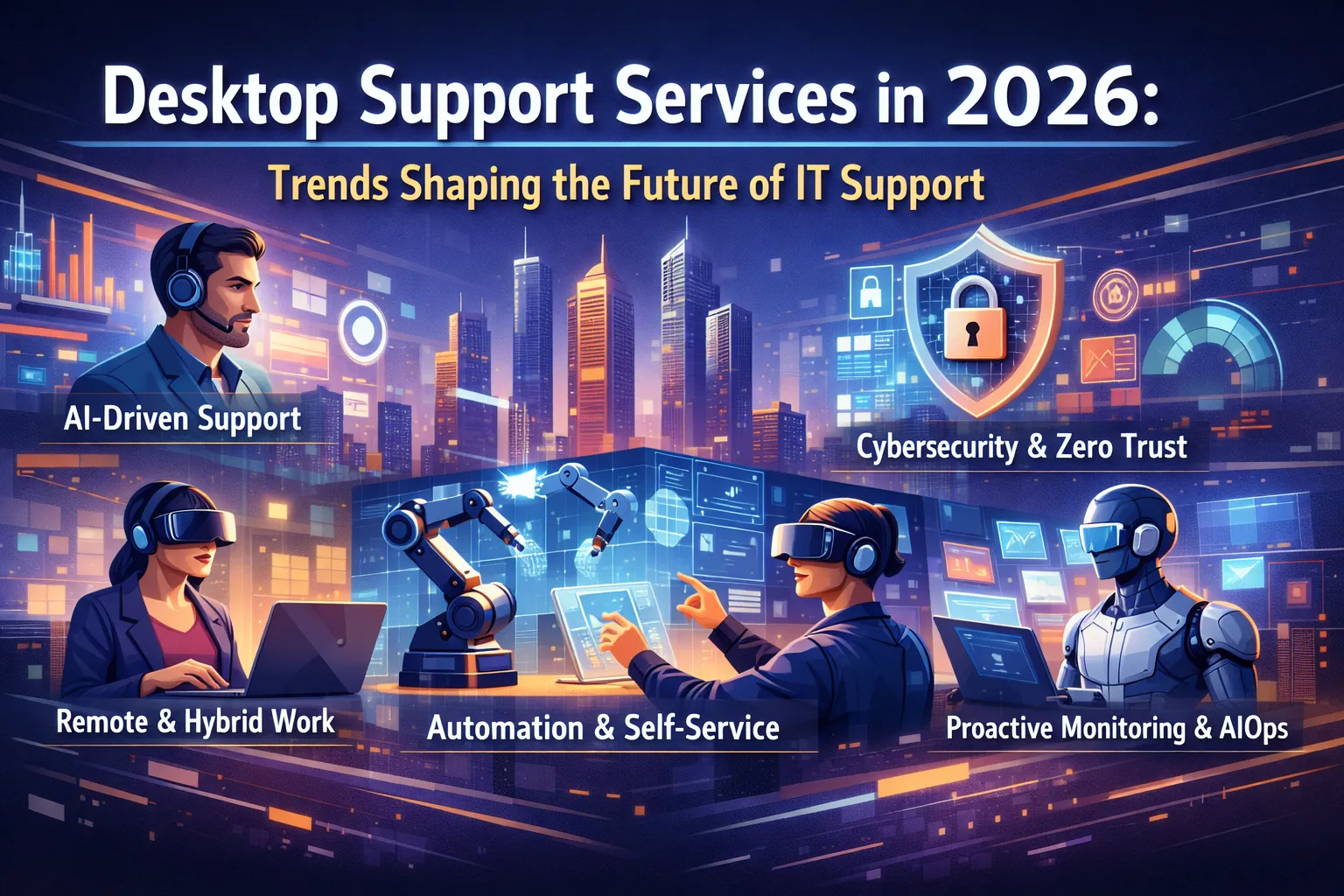
The landscape of desktop support services is undergoing a dramatic transformation in 2026, driven by artificial intelligence, evolving workplace models, and increasingly sophisticated cybersecurity demands. As businesses navigate this new era, the traditional break-fix model of IT support is giving way to proactive, intelligent, and user-centric approaches that promise to revolutionize how organizations maintain their technology infrastructure.
Recent industry research reveals that 78% of organizations now consider desktop support a strategic business function rather than a cost center, marking a fundamental shift in how IT services are perceived and delivered. With the average cost of IT downtime reaching $5,600 per minute for enterprises, the stakes have never been higher for delivering exceptional desktop support that keeps employees productive and systems running smoothly.
The Rise of AI-Powered Desktop Support
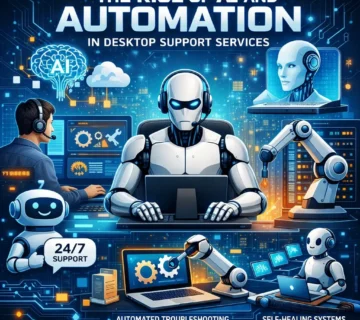
Artificial intelligence has moved from experimental technology to essential infrastructure in desktop support operations. In 2026, AI-driven support systems are handling approximately 60% of tier-one support tickets without human intervention, dramatically reducing response times and freeing skilled technicians to focus on complex issues that require human expertise and creative problem-solving.
Machine learning algorithms now predict potential hardware failures days or weeks before they occur, enabling support teams to replace components proactively rather than reactively. This predictive maintenance approach has reduced unexpected downtime by up to 45% for organizations that have fully embraced AI-enhanced support models.
Virtual support assistants powered by natural language processing understand context, user history, and system configurations to provide personalized troubleshooting guidance. These intelligent chatbots don’t just follow scripted responses—they analyze symptoms, cross-reference knowledge bases, and adapt their recommendations based on what’s worked for similar issues in the past.
Hybrid Work Environment Demands
The permanent shift to hybrid and remote work models has fundamentally reshaped desktop support requirements. Support teams can no longer rely on physical proximity to troubleshoot issues, making remote diagnostic tools and virtual assistance capabilities absolutely essential for maintaining service quality.
Modern desktop support now operates across multiple locations, time zones, and device types simultaneously. Technicians must be equally adept at supporting employees in corporate offices, home environments, co-working spaces, and mobile settings. This distributed support model requires sophisticated remote access tools, comprehensive endpoint management platforms, and crystal-clear communication protocols.
Security considerations for remote desktop support have intensified significantly. Every remote support session represents a potential vulnerability that must be carefully managed through multi-factor authentication, session recording, privileged access management, and zero-trust security frameworks. Organizations that fail to implement robust remote support security face increased exposure to social engineering attacks and unauthorized access attempts.
Self-Service Support Ecosystems
Employee empowerment through self-service support portals has emerged as one of the most effective strategies for managing support ticket volume while improving user satisfaction. In 2026, sophisticated self-service platforms offer interactive troubleshooting wizards, video tutorials, augmented reality guidance, and automated remediation tools that enable users to resolve common issues independently.
These self-service ecosystems leverage AI to understand user intent, even when questions are phrased imprecisely or contain technical inaccuracies. The systems guide users through step-by-step solutions while learning from each interaction to improve future recommendations. When self-service cannot resolve an issue, the context gathered during the self-help attempt is automatically passed to support technicians, eliminating redundant questions and accelerating resolution.
Organizations implementing comprehensive self-service strategies report 40-50% reductions in tier-one support tickets, allowing support teams to focus resources on complex problems that genuinely require expert intervention. The key to success lies in making self-service tools genuinely helpful rather than frustrating obstacles that users must navigate before reaching actual support staff.
Cybersecurity Integration in Desktop Support
Desktop support and cybersecurity functions have become inseparably intertwined in 2026. Support technicians now serve as the first line of defense against security threats, identifying potential compromises during routine troubleshooting activities and implementing security policies at the endpoint level.
Every support interaction represents an opportunity to strengthen security posture through patch management verification, configuration compliance checking, and user security awareness reinforcement. Modern desktop support tools include integrated security scanning that automatically checks for outdated software, misconfigured settings, and suspicious activity patterns during maintenance sessions.
The convergence of support and security has necessitated expanded training for support staff, who must now understand threat landscapes, recognize indicators of compromise, and follow incident response protocols. Organizations that successfully integrate security awareness into desktop support operations experience 35% fewer successful endpoint attacks compared to those maintaining siloed security and support functions.
Experience-Driven Support Metrics
The metrics used to evaluate desktop support effectiveness have evolved beyond simple ticket resolution times and first-call resolution rates. In 2026, leading organizations measure support quality through comprehensive user experience scores that capture satisfaction, productivity impact, communication quality, and long-term issue resolution.
Net Promoter Scores (NPS) for IT support have become standard measurements, with top-performing support teams achieving NPS ratings above 50. These high scores correlate strongly with overall employee satisfaction and productivity metrics, demonstrating the business impact of exceptional desktop support.
Sentiment analysis tools automatically evaluate support interactions to identify areas for improvement, recognize outstanding service delivery, and detect emerging issues before they affect large user populations. This data-driven approach to support quality enables continuous improvement cycles that keep services aligned with evolving user needs and expectations.
Cloud-Based Desktop Management
The shift toward cloud-based desktop management platforms has fundamentally changed how support teams monitor, maintain, and secure endpoint devices. Cloud management consoles provide real-time visibility into device health, application performance, and user activity regardless of device location, enabling support teams to identify and address issues proactively.
Zero-touch deployment capabilities allow support teams to provision new devices remotely, applying organizational configurations, security policies, and application suites without requiring physical access to hardware. This automation dramatically reduces the time required to onboard new employees or replace failing devices, improving user productivity and reducing support workload.
Cloud-based patch management ensures all devices receive critical security updates and software patches consistently, regardless of their connection status or physical location. Intelligent scheduling minimizes disruption by deploying updates during low-usage periods while maintaining compliance with security policies that mandate timely patching.
Specialized Support for Emerging Technologies
As organizations adopt emerging technologies like virtual reality workstations, edge computing devices, and AI-powered productivity tools, desktop support teams must develop specialized expertise to maintain these sophisticated systems. The skill requirements for support technicians have expanded significantly, necessitating continuous training and specialization.
Support for IoT devices integrated into workplace environments presents unique challenges requiring understanding of network protocols, sensor calibration, and data security considerations that extend beyond traditional desktop support competencies. Organizations are creating specialized support tiers focused exclusively on advanced technology platforms while maintaining generalist teams for standard endpoint support.
The complexity of modern technology ecosystems has increased the value of vendor partnerships and external expertise. Desktop support teams increasingly collaborate with specialized vendors for advanced troubleshooting, leveraging manufacturer support resources and technical documentation to resolve issues that exceed internal capabilities.
Proactive Maintenance and Monitoring
The evolution from reactive to proactive support represents one of the most significant shifts in desktop support philosophy. Modern monitoring tools continuously assess endpoint health, application performance, and user experience metrics to identify potential issues before they impact productivity.
Automated remediation systems can resolve many detected issues without user awareness or support team intervention, silently optimizing configurations, clearing temporary files, restarting services, and applying performance enhancements. When automated remediation cannot resolve an issue, support teams receive detailed diagnostic information that accelerates troubleshooting and resolution.
Capacity planning insights derived from continuous monitoring enable organizations to anticipate hardware refresh needs, identify software that consistently causes problems, and optimize resource allocation based on actual usage patterns rather than theoretical requirements. This data-driven approach to desktop infrastructure management improves reliability while controlling costs.
Communication and Collaboration Tools
Modern desktop support relies heavily on sophisticated communication platforms that enable seamless collaboration between support staff, end users, and specialized technicians. Real-time chat systems, video conferencing capabilities, and screen-sharing tools have become essential components of effective support delivery.
Knowledge management systems capture solutions to resolved issues, making that expertise available to the entire support team and reducing duplicate troubleshooting efforts. These systems employ AI to suggest relevant articles based on ticket descriptions, accelerating resolution and ensuring consistent support quality across the team.
Collaboration extends beyond internal support teams to include automated vendor escalation, community support forums, and peer-to-peer assistance programs that leverage the collective knowledge of the entire organization. This collaborative ecosystem reduces dependence on individual experts while improving overall support capacity and resilience.
Conclusion
Desktop support services in 2026 bear little resemblance to the reactive, break-fix models of previous decades. The integration of artificial intelligence, emphasis on proactive maintenance, expansion of self-service capabilities, and deep integration with cybersecurity functions have transformed support from a necessary cost into a strategic advantage that directly impacts employee productivity and organizational competitiveness.
Organizations that embrace these emerging trends while maintaining focus on user experience and continuous improvement will find their desktop support operations becoming powerful drivers of business value, enabling employees to work efficiently while maintaining security and reliability across increasingly complex technology environments.
Frequently Asked Questions
What is the biggest trend in desktop support for 2026?
AI-powered predictive maintenance and automated issue resolution are the most transformative trends, enabling support teams to prevent problems before they impact users and resolve common issues without human intervention.
How has remote work changed desktop support requirements?
Remote work necessitates robust remote diagnostic tools, comprehensive endpoint management platforms, enhanced security protocols for remote sessions, and support capabilities that work effectively regardless of user location or device type.
What role does cybersecurity play in modern desktop support?
Desktop support and cybersecurity have become integrated functions, with support technicians serving as frontline security defenders who implement security policies, identify potential threats, and maintain endpoint security during routine support activities.
Are self-service support tools effective?
Yes, properly implemented self-service platforms reduce tier-one support tickets by 40-50% while improving user satisfaction by providing instant access to solutions without waiting for technician availability.
What skills do desktop support technicians need in 2026?
Modern support technicians require traditional troubleshooting abilities plus expertise in AI-powered tools, cybersecurity awareness, remote support technologies, cloud management platforms, and emerging technologies like VR and IoT devices.
How is desktop support performance measured today?
Performance metrics have evolved beyond resolution times to include comprehensive user experience scores, Net Promoter Scores, productivity impact assessments, and sentiment analysis of support interactions.
What is predictive desktop maintenance?
Predictive maintenance uses AI and continuous monitoring to identify potential hardware failures and performance issues before they occur, enabling proactive replacement or remediation that prevents downtime and user disruption.
How does cloud-based desktop management improve support?
Cloud management provides real-time device visibility regardless of location, enables remote provisioning and configuration, ensures consistent patch deployment, and supports zero-touch deployment for new devices, significantly improving support efficiency and effectiveness.


No comment