
Can AI Replace Human Desktop Support? What 2026 Tells Us
Introduction
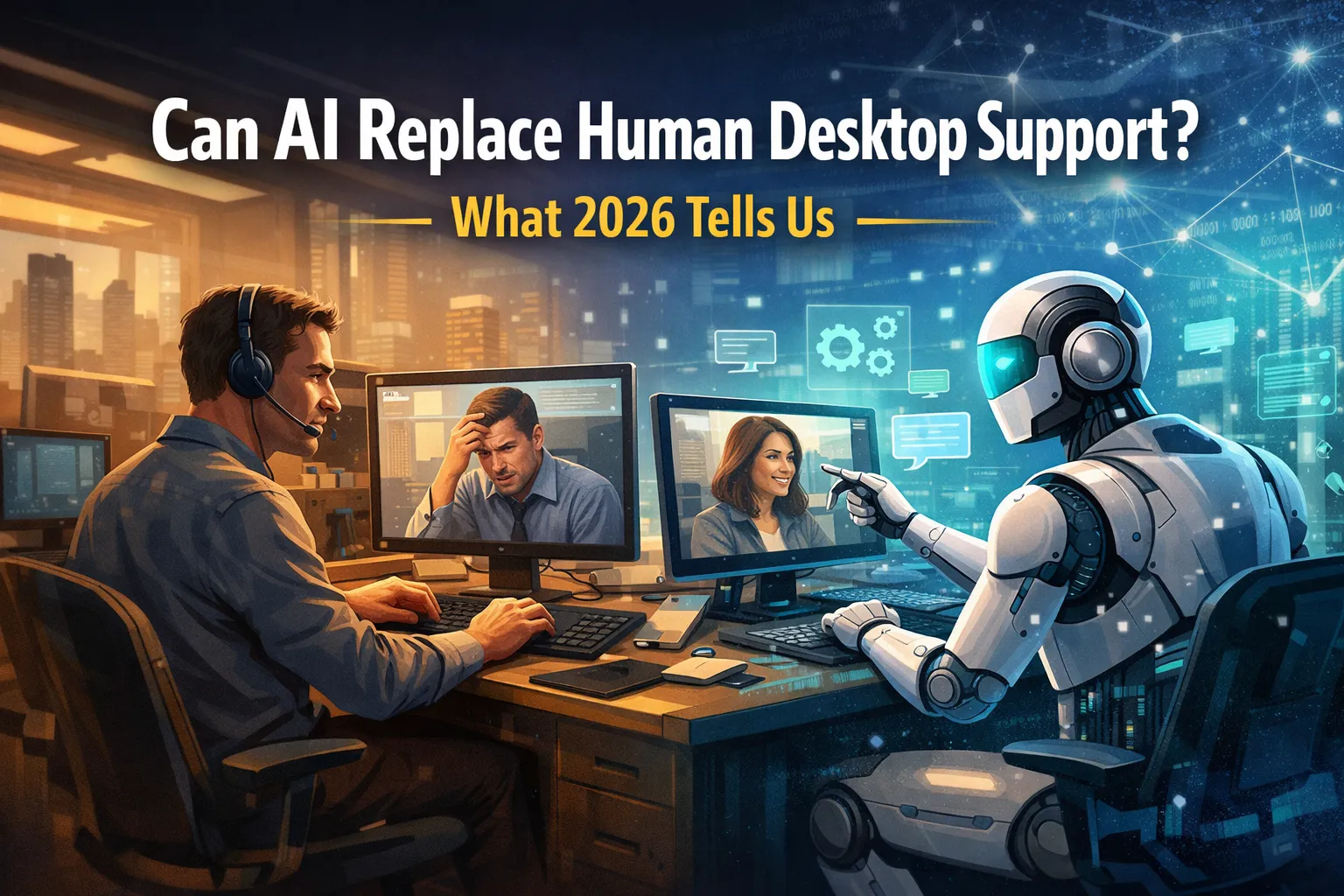
The IT support landscape has transformed dramatically over the past few years. As we navigate through 2026, artificial intelligence has evolved from a experimental technology into a practical tool reshaping how organizations handle desktop support requests. The question on every IT manager’s mind: can AI completely replace human desktop support technicians?
The short answer is more nuanced than a simple yes or no. While AI has made remarkable strides in handling routine queries and automating repetitive tasks, the complete replacement of human support staff remains unrealistic for most organizations. Current data suggests that AI handles approximately 60-70% of tier-1 support tickets autonomously, yet the remaining 30-40% still requires human intervention, critical thinking, and emotional intelligence that machines cannot replicate.
This article examines the real-world capabilities of AI desktop support in 2026, explores where automation excels, identifies situations where human expertise remains irreplaceable, and provides guidance for organizations considering AI integration into their support infrastructure.
The Current State of AI-Powered Desktop Support
What AI Actually Does Well in 2026
Modern AI desktop support systems have matured significantly. Natural language processing has reached a point where chatbots understand context, technical jargon, and even user frustration levels. Today’s AI support tools can:
Password resets and account unlocking represent the low-hanging fruit that AI conquered years ago. These repetitive tasks consume significant technician time but require minimal critical thinking. AI systems now handle these requests instantaneously, often before users finish typing their complete request.
Software installation guidance has become increasingly sophisticated. AI can walk users through complex installation procedures, detect system compatibility issues, and troubleshoot common installation errors. The technology analyzes system configurations in real-time and provides customized step-by-step instructions based on the specific hardware and software environment.
Performance diagnostics have improved remarkably. AI tools can scan system resources, identify processes consuming excessive memory or CPU cycles, and recommend optimization strategies. Some advanced systems can even implement fixes automatically after receiving user permission, clearing temporary files, closing unnecessary background applications, and adjusting system settings for optimal performance.
Basic network troubleshooting falls within AI’s competency range. When users report connectivity issues, AI can check network adapter status, reset TCP/IP stacks, flush DNS caches, and guide users through Wi-Fi reconnection procedures. The technology can differentiate between local connectivity problems and broader network infrastructure issues.
The Technology Behind Modern AI Support
Machine learning models powering 2026’s AI desktop support have been trained on millions of historical support tickets. These systems learn from resolution patterns, successful troubleshooting sequences, and user interaction data. The more tickets an AI system processes, the better it becomes at pattern recognition and solution recommendation.
Integration with IT infrastructure management tools gives AI unprecedented visibility into organizational technology ecosystems. These systems connect with Active Directory, endpoint management platforms, network monitoring tools, and cloud services to gather comprehensive contextual information before suggesting solutions.
Predictive maintenance capabilities represent one of AI’s most valuable contributions. By analyzing usage patterns and system health metrics, AI can identify potential failures before they impact users. Hard drive degradation, memory issues, and software conflicts can be flagged proactively, allowing IT teams to address problems during scheduled maintenance windows rather than dealing with emergency outages.
Where Human Desktop Support Remains Essential
Complex Problem-Solving and Critical Thinking
Despite impressive technological advances, AI struggles with novel problems lacking clear precedents. When users encounter unique error codes, application conflicts specific to their workflow, or issues involving multiple interconnected systems, human expertise becomes indispensable.
Experienced technicians bring contextual understanding that AI cannot replicate. They recognize when a reported “slow computer” actually indicates early ransomware activity, or when login problems suggest potential security breaches rather than simple password issues. This situational awareness requires years of experience and intuitive pattern recognition that extends beyond algorithmic decision-making.
Custom application support poses particular challenges for AI. Organizations frequently use proprietary software, specialized industry applications, or customized enterprise resource planning systems. These applications lack the extensive documentation and community knowledge bases that AI systems rely upon. Human technicians who understand business processes and application workflows provide critical support that generic AI cannot offer.
Emotional Intelligence and User Communication
Technical support involves significant emotional labor. Users often contact support when frustrated, stressed, or facing productivity-threatening issues. The ability to empathize, reassure, and communicate technical concepts in accessible language remains distinctly human.
AI chatbots can be perceived as dismissive when users feel unheard. A human technician recognizes when to abandon scripted troubleshooting steps and try creative solutions. They understand when to escalate issues not because the problem is technically complex, but because the user’s frustration level requires personalized attention.
Training and education represent another area where humans excel. While AI can provide step-by-step instructions, experienced technicians can assess user technical proficiency, adapt their communication style accordingly, and provide additional context that prevents future issues. They can explain why certain practices create security risks or how specific behaviors impact system performance.
Security Judgment and Risk Assessment
Cybersecurity incidents require human judgment that AI cannot provide. When suspicious activity is detected, human security analysts must weigh multiple factors: user behavior patterns, data sensitivity, potential business impact, and regulatory compliance requirements. The decision to isolate a device, revoke access privileges, or initiate incident response protocols involves nuanced risk assessment.
Social engineering attempts often bypass AI detection systems. Phishing attacks, pretexting scenarios, and other manipulation tactics require human intuition to identify. Experienced technicians recognize when support requests seem unusual or when users might be unknowingly compromised.
The Hybrid Model: AI and Humans Working Together
Optimal Division of Labor
The most successful organizations in 2026 have implemented hybrid support models that leverage both AI capabilities and human expertise. AI handles the volume while humans address the complexity.
Tier-1 automation allows AI to intercept and resolve straightforward requests immediately. This includes password management, basic connectivity issues, printer configuration, and common application errors with documented solutions. By deflecting these routine tickets, AI frees human technicians to focus on challenging problems requiring creative troubleshooting.
Intelligent routing has become sophisticated enough to recognize when AI has reached its limitations. Modern systems don’t simply escalate to humans after exhausting scripted responses. They analyze problem complexity, user sentiment, security implications, and business criticality to determine the appropriate escalation path and priority level.
Continuous Learning Loops
Human technicians contribute to AI improvement through feedback mechanisms. When technicians resolve issues that AI couldn’t handle, their solutions are fed back into training data. This creates a continuous improvement cycle where AI capabilities expand based on human problem-solving expertise.
Collaborative troubleshooting has emerged as an effective model. AI provides initial diagnostic information, relevant knowledge base articles, and similar historical cases while human technicians apply critical thinking to synthesize this information into effective solutions. This partnership multiplies efficiency without sacrificing solution quality.
Cost Considerations and ROI Reality
The True Economics of AI Desktop Support
Organizations considering AI desktop support must understand total cost of ownership extends beyond software licensing. Implementation requires integration with existing systems, customization for organizational needs, and ongoing maintenance.
Initial investments can be substantial. Enterprise-grade AI support platforms typically cost between $50,000 to $250,000 annually depending on organization size and feature requirements. Implementation services, API development, and change management add additional expenses.
However, cost savings manifest quickly for organizations with high ticket volumes. A mid-sized company handling 10,000 monthly support requests might see AI resolve 6,000-7,000 tickets automatically. If each ticket costs $25 in technician time, monthly savings reach $150,000-$175,000, providing rapid return on investment.
Hidden Costs and Considerations
User satisfaction can suffer during transition periods. Employees accustomed to immediate human interaction may resist AI chatbots, especially if early implementations provide poor experiences. Organizations must invest in change management and user education to ensure successful adoption.
Maintenance requirements often exceed initial projections. AI systems require continuous training data updates, integration adjustments as IT infrastructure evolves, and monitoring to prevent degraded performance. Organizations need dedicated resources to maintain AI effectiveness over time.
What 2026 Data Reveals About User Preferences
Recent studies indicate user acceptance of AI support varies significantly based on issue complexity and urgency. For simple requests like password resets or software downloads, 85% of users prefer immediate AI resolution over waiting for human technicians.
However, preference shifts dramatically for complex problems. When facing business-critical issues or unusual technical challenges, 72% of users want human support, even if AI is available. Users recognize AI limitations and value human creativity for difficult situations.
Age demographics play a minimal role in AI acceptance. Contrary to stereotypes, older employees adapt well to AI support for routine tasks, while younger workers often demand human interaction for complex problems. Technical proficiency matters more than age in determining user comfort with AI assistance.
Preparing Your Organization for AI-Enhanced Support
Assessment and Planning
Organizations should begin by analyzing their ticket distribution. What percentage of requests are truly routine? Which problems recur frequently? Understanding your support landscape identifies the best opportunities for AI implementation.
Start with focused pilots rather than organization-wide deployments. Implementing AI for specific ticket categories allows you to refine the system, gather user feedback, and demonstrate value before expanding scope.
Change Management Essentials
User communication is critical. Employees need to understand that AI support represents an additional resource, not a replacement for human assistance. Clear messaging about when and how to reach human technicians reduces resistance and anxiety.
Technician involvement ensures successful implementation. Support staff should participate in AI system configuration, provide feedback during testing, and understand how automation enhances rather than threatens their roles. Positioning AI as a tool that eliminates tedious tasks while allowing technicians to focus on interesting challenges improves adoption.
Frequently Asked Questions
Q: Will AI completely replace desktop support jobs? A: No. While AI handles routine tasks, complex problem-solving, security judgment, and user communication require human expertise. Roles are evolving rather than disappearing.
Q: How much can AI reduce desktop support costs? A: Organizations typically see 40-60% reduction in tier-1 support costs through AI automation, though results vary based on ticket complexity and implementation quality.
Q: What happens when AI can’t solve a problem? A: Modern AI systems recognize their limitations and escalate to human technicians, often providing diagnostic information and context to accelerate resolution.
Q: Do users prefer AI or human support? A: Preferences depend on issue complexity. Users favor AI for simple, immediate resolutions but prefer humans for complex, business-critical, or unusual problems.
Q: How long does AI desktop support implementation take? A: Typical implementations require 3-6 months including planning, integration, training, and pilot testing before organization-wide deployment.
Q: Can AI handle security incidents? A: AI can detect patterns and flag suspicious activity, but security incident response requires human judgment for risk assessment and decision-making.
Q: What’s the biggest challenge in implementing AI support? A: User acceptance and change management typically present greater challenges than technical implementation, requiring clear communication and gradual rollout strategies.
Conclusion
The question of whether AI can replace human desktop support has a clear answer in 2026: not entirely, and probably not ever completely. AI has become an invaluable tool that transforms support operations, handles routine requests efficiently, and allows human technicians to focus on complex challenges requiring creativity and judgment.
The future of desktop support is collaborative rather than replacement-based. Organizations achieving the best results combine AI’s speed and consistency with human expertise and emotional intelligence. This hybrid model delivers faster resolution times, lower costs, and improved user satisfaction compared to either AI-only or human-only approaches.
As AI technology continues evolving, its capabilities will expand. However, the fundamentally human elements of technical support empathy, creative problem-solving, contextual understanding, and security judgment—remain beyond algorithmic replication. The most successful IT organizations will be those that strategically leverage both AI automation and human expertise, recognizing each element’s unique value in delivering exceptional desktop support.



No comment